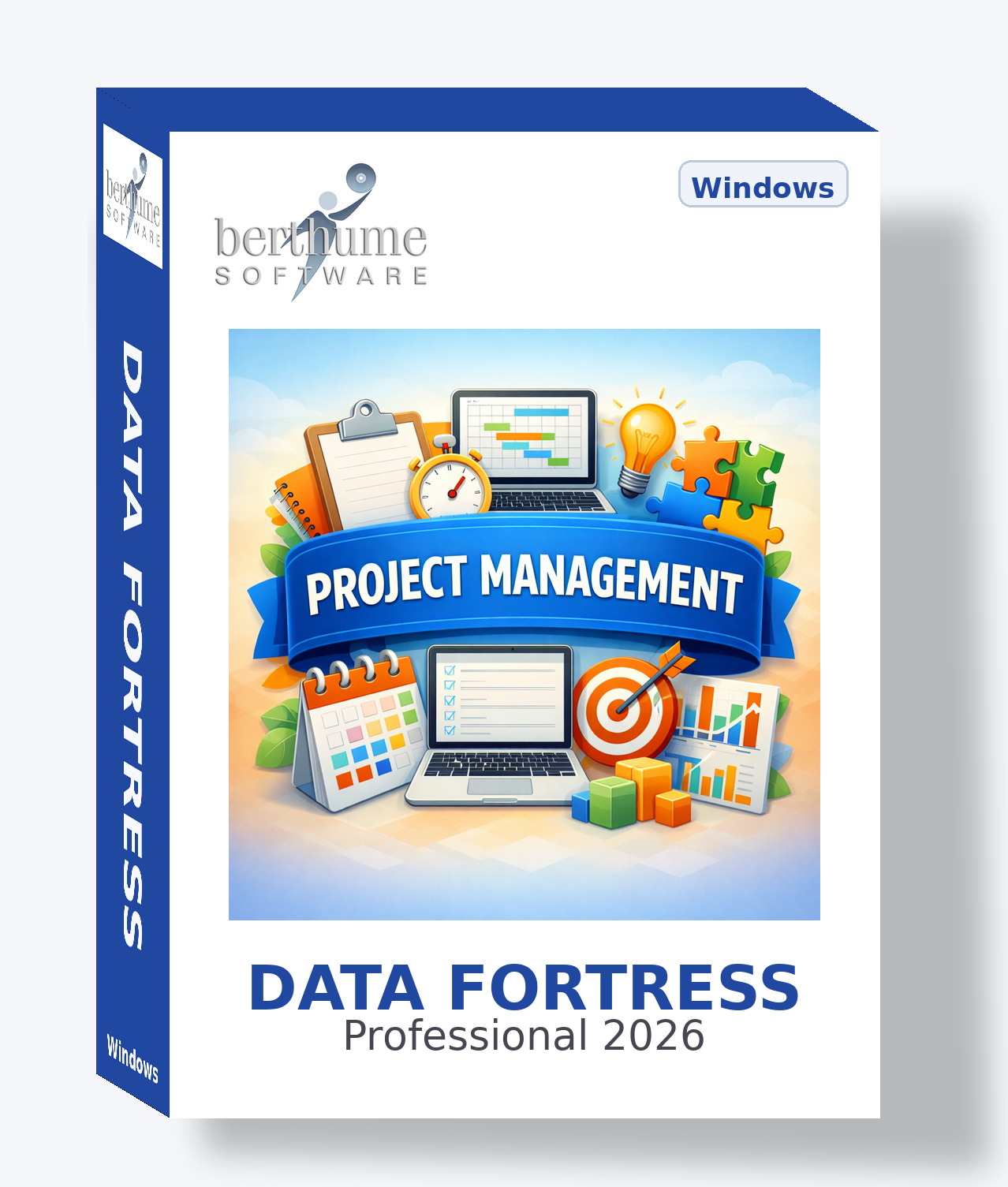
📊 Project Management Collection
Comprehensive project management from planning through execution, tracking, and closure -- for individuals and teams.
Template Details
| Template | Purpose | Features |
|---|---|---|
| Projects Active | Track and manage projects from initiation through completion, including scope, timeline, budget, and team assignments. | Project Manager Lookup Action Log List Tab Attachments URLs 2 File Attachments Calendar |
| Team Members Active | Maintain a directory of all team members available for project assignments, including their roles, skills, and availa... | Contacts Directory Action Log Image |
| Tasks Active | Track individual tasks and work items across all projects, including assignments, deadlines, effort estimates, and co... | Assigned To Lookup Action Log List Tab Attachments Calendar |
| Milestones Active | Define and track key project milestones, phase gates, and critical checkpoints that mark significant progress in a pr... | Milestone Owner Lookup Action Log Attachments 1 File Attachment Calendar |
| Meetings Active | Schedule and document project meetings including agendas, attendees, decisions made, and action items that result fro... | Action Log List Tab Attachments Calendar |
| Issues Tracker Active | Log, track, and resolve project issues that arise during execution, ensuring nothing falls through the cracks. | Assigned To Lookup Action Log Attachments Calendar |
| Risk Register Active | Identify, assess, and manage project risks with mitigation strategies, probability ratings, and impact analysis. | Risk Owner Lookup Action Log Calendar |
| Status Reports Active | Generate and archive periodic project status reports that summarize progress, issues, risks, and upcoming milestones ... | Action Log Attachments 1 File Attachment Calendar |
| Deliverables Active | Track all project deliverables including their specifications, acceptance criteria, responsible parties, and approval... | Responsible Lookup Action Log List Tab Attachments 2 File Attachments Calendar |
| Time Tracking Active | Record and monitor time spent on project tasks and activities by team members for effort tracking and resource analysis. | Team Member Lookup Action Log |
| Project Budget Active | Manage project budgets with line-item tracking of planned versus actual expenditures, funding sources, and cost varia... | Action Log Transactions Attachments 1 File Attachment Calendar |
| Stakeholders Active | Identify and manage project stakeholders including their interests, influence levels, communication preferences, and ... | Contact Tab Action Log Calendar |
| Change Requests Active | Manage formal change requests that modify project scope, schedule, budget, or requirements through a structured appro... | Requested By Lookup Action Log Attachments 1 File Attachment Calendar |
| Communication Log Active | Record and track all significant project communications including emails, calls, presentations, and formal notices. | Action Log Attachments 1 File Attachment Calendar |
| Decision Log Active | Document key project decisions including the context, options considered, rationale, and outcomes for future referenc... | Attachments Calendar |
| Vendors Active | Manage external vendors, contractors, and service providers who support project delivery including their capabilities... | Contact Tab Action Log Transactions Attachments 2 File Attachments Calendar |
| Project Documents Active | Maintain a centralized registry of all project documents including version control, approval status, and access infor... | Action Log List Tab Attachments URLs 2 File Attachments Calendar |
| Lessons Learned Advanced | Capture lessons learned from project experiences including what went well, what went poorly, and recommendations for ... | Attachments |
| Dependencies Advanced | Track task and project dependencies that create scheduling constraints, resource conflicts, or external blockers. | Action Log Calendar |
| Quality Checklist Advanced | Define and execute quality assurance checklists for project deliverables, processes, and gate reviews. | Reviewer Lookup List Tab Attachments Calendar |
| Sprints Advanced | Plan and track agile sprints or iterative work cycles with capacity planning, velocity tracking, and sprint goals. | Sprint Lead Lookup Action Log List Tab Calendar |
| Project Proposals Advanced | Develop and evaluate project proposals before they become approved projects, including business cases, feasibility as... | Action Log Attachments 2 File Attachments Calendar |
| Resources Advanced | Track shared resources including equipment, software licenses, facilities, and other assets needed for project execut... | Action Log List Tab Attachments Calendar |
| Work Packages Advanced | Define work breakdown structure elements that group related tasks into manageable packages with effort estimates and ... | Package Lead Lookup Action Log List Tab Calendar |
Template Relationships
Project Manager
Assigned To
Milestone Owner
Assigned To
Risk Owner
Responsible
Team Member
Requested By
Reviewer
Sprint Lead
Package Lead
Stakeholders and Vendors use their own embedded Contact Tab for individual contact details. All records can also be cross-linked using the Related Information feature.
Activation Strategy
✅ Active Templates (17)
- Projects
- Team Members
- Tasks
- Milestones
- Meetings
- Issues Tracker
- Risk Register
- Status Reports
- Deliverables
- Time Tracking
- Project Budget
- Stakeholders
- Change Requests
- Communication Log
- Decision Log
- Vendors
- Project Documents
🛠 Advanced Templates (7)
- Lessons Learned
- Dependencies
- Quality Checklist
- Sprints
- Project Proposals
- Resources
- Work Packages
To activate: Open template browse, find the template, toggle the Active checkbox. It will appear on its pre-assigned menu.
Getting Started
Build Your Team Directory
Open Team Members and add contacts for everyone who works on your projects. These become available for assignment across all templates.
Create Your First Project
Add a Project record with objectives, timeline, and budget. Assign a Project Manager from your team directory.
Break Down the Work
Create Tasks and Milestones for the project. Assign team members and set due dates that appear on the calendar.
Track Risks and Issues
As the project progresses, log risks and issues. Assign owners and track resolution through the Action Log.
Communicate Progress
Schedule Meetings, generate Status Reports, and maintain the Communication Log to keep stakeholders informed.
Explore Advanced Features
As your needs grow, activate Sprints for agile workflows, Work Packages for WBS decomposition, or Quality Checklists for formal reviews.
Pro Tips
Make It Your Own
This collection is a professionally designed starting point, not a locked system. Every template, field, and menu assignment is yours to customize to match how your project management practice actually operates.
✚ CREATE
Build your own templates from scratch for anything not covered — lessons learned libraries, RACI matrices, sprint retrospective logs, capacity planning sheets, or stakeholder communication plans.
✎ MODIFY
Fine-tune any template: change field labels, enable or disable features, update purpose text, or reassign menus. Make each template fit your specific workflow.
❌ REMOVE
Delete templates you don't need, or simply toggle them to Inactive to hide them from menus and browse views without losing the design for later use.
🔬 EXPAND
Combine templates from multiple collections or mix collection templates with your own custom creations for a system that's uniquely yours.
Your Business Journey
This collection grows with you, whether you're managing your first project or running a PMO across an entire organization.
LAUNCH
You're formalizing project management or going digital for the first time. These templates teach you what records to keep and how professional project managers track scope, schedules, and stakeholders. Get productive immediately at minimal cost with no subscription fees.
GROW
As your project portfolio grows and team complexity increases, customize templates to match your evolving methodology. Activate advanced templates when ready. Data Fortress scales with you without pressure to upgrade or migrate.
EVOLVE
When you adopt PM platforms like Jira, Microsoft Project, or Smartsheet, Data Fortress fills the gaps. Keep using templates for client management, documentation, change tracking, and more. Create new templates to bridge systems.
No vendor lock-in. No subscription fees. No per-project pricing. Your data, your way, at every stage.