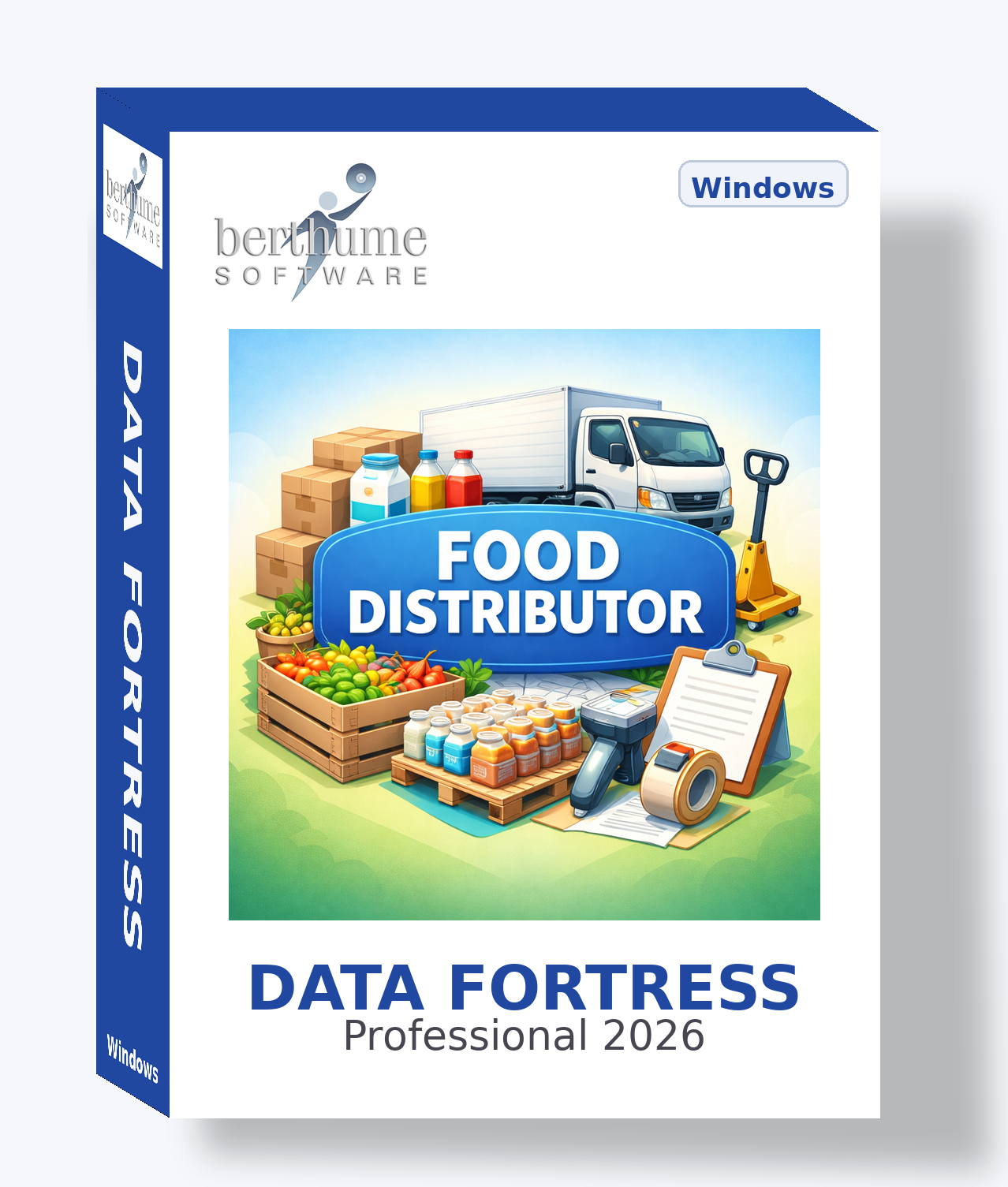
Data Fortress Collection
Food Distributors Collection
Complete template system for food distribution operations — from procurement and inventory through delivery and compliance.
Complete template system for food distribution operations — from procurement and inventory through delivery and compliance.
| Template | Purpose | Features |
|---|---|---|
| CustomersACTIVE | Central customer database for restaurants, grocery stores, institutions, and retail accounts | Contacts DirectoryTransactionsAction LogAttachmentsURLsImage2 File AttachmentsCalendar |
| SuppliersACTIVE | Food manufacturers, farms, and producer directory with vendor performance tracking | Contacts DirectoryTransactionsAction LogAttachmentsURLsImage3 File AttachmentsCalendar |
| Team MembersACTIVE | Employee directory for sales reps, drivers, warehouse staff, and management | Contacts DirectoryAction LogAttachmentsImage3 File AttachmentsCalendar |
| Product CatalogACTIVE | Complete product inventory with SKUs, pricing tiers, allergens, and storage requirements | List TabAttachmentsURLsImage2 File Attachments |
| Price ListsACTIVE | Tiered pricing structures for customer segments with effective date management | List TabAction LogAttachments1 File AttachmentCalendar |
| Purchase OrdersACTIVE | Supplier ordering with line items, receiving, and payment tracking | Supplier LookupTransactionsAction LogList TabAttachments3 File AttachmentsCalendar |
| Sales OrdersACTIVE | Customer order processing from entry through delivery and invoicing | Customer LookupTransactionsAction LogList TabAttachments2 File AttachmentsCalendar |
| InvoicesACTIVE | Customer billing with payment tracking, aging, and collection management | Customer LookupTransactionsAction LogAttachments3 File AttachmentsCalendar |
| DeliveriesACTIVE | Delivery run tracking with routes, manifests, and proof-of-delivery | Customer LookupAction LogList TabAttachments3 File AttachmentsCalendar |
| Inventory CountsACTIVE | Periodic inventory counting with variance tracking and reconciliation | Action LogList TabAttachments2 File AttachmentsCalendar |
| Route PlanningACTIVE | Delivery route definition with stop sequences and driver assignments | Action LogList TabAttachments |
| Food Safety InspectionsACTIVE | HACCP audits, health department visits, and third-party certification documentation | Action LogList TabAttachments3 File AttachmentsCalendar |
| Temperature LogsACTIVE | Cold chain temperature monitoring across storage zones and delivery vehicles | Action LogAttachments1 File Attachment |
| Lot TrackingACTIVE | FDA-required product lot traceability from receiving through distribution | Action LogList TabAttachments2 File AttachmentsCalendar |
| Customer ComplaintsACTIVE | Issue tracking and resolution for quality, delivery, billing, and service concerns | Customer LookupAction LogAttachments3 File AttachmentsCalendar |
| Promotions and DealsACTIVE | Manufacturer deals, volume incentives, and seasonal promotional programs | Action LogList TabAttachments2 File AttachmentsCalendar |
| Accounts ReceivableACTIVE | Customer account-level AR with aging buckets and collection tracking | Customer LookupTransactionsAction LogAttachments2 File AttachmentsCalendar |
| Accounts PayableACTIVE | Supplier payment management with aging and early payment discount tracking | Supplier LookupTransactionsAction LogAttachments2 File AttachmentsCalendar |
| Sales TerritoriesACTIVE | Geographic territory management with rep assignments and revenue targets | Action LogList TabAttachments1 File AttachmentCalendar |
| Warehouse LocationsADVANCED | Warehouse zone and bin location management with temperature classifications | Action LogList TabAttachments |
| Vehicles and FleetADVANCED | Delivery vehicle management with maintenance, DOT compliance, and expense tracking | TransactionsAction LogAttachmentsImage3 File AttachmentsCalendar |
| CertificationsADVANCED | Business licenses and regulatory certification tracking with renewal scheduling | Action LogAttachments2 File AttachmentsCalendar |
| Commission TrackingADVANCED | Sales rep commission calculation with tiered rates and payment tracking | Sales Rep LookupTransactionsAction LogAttachments2 File AttachmentsCalendar |
| Training RecordsADVANCED | Employee training documentation for food safety, equipment, and regulatory compliance | Employee LookupAction LogAttachments3 File AttachmentsCalendar |
| Equipment and AssetsADVANCED | Warehouse equipment and asset tracking with maintenance and depreciation | TransactionsAction LogAttachmentsImage3 File AttachmentsCalendar |
| Recall ManagementADVANCED | Product recall coordination from notification through resolution with lot tracking | Action LogList TabAttachments3 File AttachmentsCalendar |
Master directory templates (hub) provide contacts that detail templates (spokes) reference through Contact Lookup. All templates also support ad-hoc linking via the Related Information feature.
Start by adding your customers, suppliers, and team members. These master directories feed contact data to all other templates.
Enter your product catalog with SKUs, pack sizes, and pricing. Create price lists for each customer tier.
Create your recurring routes with stop sequences, assigned drivers, and delivery schedules.
Create purchase orders to suppliers and sales orders from customers. Use Contact Lookup to link orders to your directories.
Begin documenting food safety inspections, temperature logs, and lot tracking for regulatory compliance.
Activate advanced templates as your needs grow. Use Hashtags for custom organization and Related Information to link records across templates.
This collection is a professionally designed starting point, not a locked system. Every template, field, and menu assignment is yours to customize to match how your distribution operation actually operates.
Build your own templates from scratch for anything not covered — cold chain temperature logs, route optimization records, customer credit applications, warehouse zone maps, or product recall response checklists.
Fine-tune any template: change field labels, enable or disable features, update purpose text, or reassign menus. Make each template fit your specific workflow.
Delete templates you don't need, or simply toggle them to Inactive to hide them from menus and browse views without losing the design for later use.
Combine templates from multiple collections or mix collection templates with your own custom creations for a system that's uniquely yours.
This collection grows with you, whether you're launching a new distribution company or managing an established multi-route operation.
You're starting a distribution business or going digital for the first time. These templates teach you what records to keep and how professional distributors manage inventory, routes, and customer accounts. Get productive immediately at minimal cost with no subscription fees.
As your product lines expand and delivery routes multiply, customize templates to match your evolving workflow. Activate advanced templates when ready. Data Fortress scales with you without pressure to upgrade or migrate.
When you adopt industry software like BlueCart, Sortly, or ChefMod, Data Fortress fills the gaps. Keep using templates for vendor management, compliance documentation, fleet tracking, and more. Create new templates to bridge systems.
No vendor lock-in. No subscription fees. No per-route pricing. Your data, your way, at every stage.