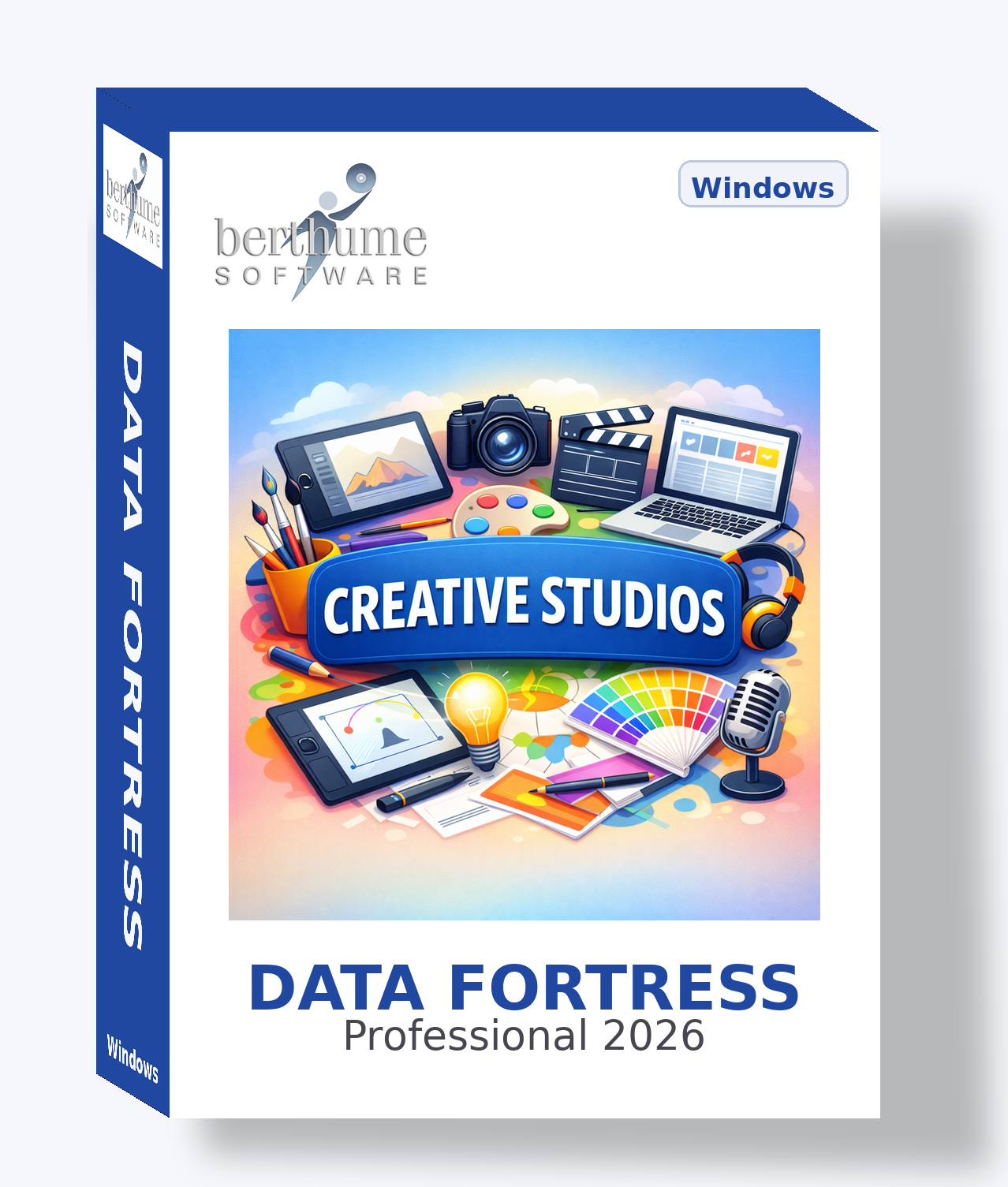
Data Fortress Collection
🎨 Creative Studios Collection
A comprehensive information management system for design studios, photography firms, video production companies, and creative agencies — from client briefs to final delivery.
A comprehensive information management system for design studios, photography firms, video production companies, and creative agencies — from client briefs to final delivery.
| Template | Purpose | Features |
|---|---|---|
ACTIVE Client Directory |
Master hub of all client organizations. Hub for client contact lookups across the collection. | |
ACTIVE Prospect Pipeline |
Tracks potential clients from first contact through signed agreement. | |
ACTIVE Creative Brief |
Full creative and strategic brief document linked to a client. Foundation for all project work. | |
ACTIVE Client Feedback Log |
Structured log of all client revision requests, approvals, and concerns by deliverable. | |
ACTIVE Client Contract |
Client service agreements tracking scope, terms, financial milestones, and payment history. | |
ACTIVE Project Tracker |
Central command record for every project. Tracks team, budget, hours, status, and full timeline. | |
ACTIVE Project Milestones |
Individual deliverable and phase checkpoint tracking with estimated vs. actual hours. | |
ACTIVE Revision Rounds |
Version-by-version revision tracking: what was requested, what changed, approval status. | |
ACTIVE Production Schedule |
Phase-by-phase timeline management. Each phase on the calendar with resources and team count. | |
ACTIVE Shot List |
Pre-production planning for photo and video shoots: shots, equipment, logistics, crew, costs. | |
ADVANCED Post Production Log |
Tracks editing, color, audio, and rendering phases with technical specs and render times. | |
ACTIVE Invoice |
Primary billing record with full financial breakdown. Payment transaction log per invoice. | |
ACTIVE Project Estimate |
Formal project proposals with scope, exclusions, pricing breakdown, and approval tracking. | |
ACTIVE Expense Tracker |
Project and studio expenses with billable designation, reimbursement tracking, and receipt storage. | |
ACTIVE Time Log |
Billable hours tracking per task and team member. Calculates billable amount. Feeds invoicing. | |
ADVANCED Retainer Agreement |
Monthly retainer tracking: included hours, overage rates, billing cycles, payment history. | |
ACTIVE Team Members |
Master staff directory with roles, skills, billing rates, and HR information. Photo and emergency contacts. | |
ACTIVE Freelancer Roster |
Trusted freelancer directory with specialty, availability, rate types, and contract storage. | |
ACTIVE Vendor Directory |
Supplier directory with purchase history transaction log. Print houses, equipment dealers, agencies. | |
ADVANCED Subcontractor Work |
Tracks outsourced project work: scope, payments, deliverable status, and agreement storage. | |
ACTIVE Portfolio Items |
Curated showcase of studio work for new business, website, and award submissions. | |
ACTIVE Brand Assets |
Per-client brand asset records: logos, color palettes, typography, and brand guidelines storage. | |
ACTIVE Stock Asset Library |
Licensed stock catalog with usage terms, license expiry tracking, and usage log per asset. | |
ACTIVE Equipment & Gear |
Asset register for cameras, computers, lighting, and peripherals. Service history transaction log. | |
ACTIVE Software Licenses |
Software subscription and license registry. Tracks seat counts, costs, and renewal dates. | |
ACTIVE Creative Process Log |
Documents creative decisions, inspiration sources, and lessons learned. Builds institutional knowledge. | |
ACTIVE Studio SOPs |
Standard operating procedures library covering all departments with scheduled review dates. | |
ACTIVE Meeting Notes |
Structured meeting records with agenda, discussion notes, and action items list tab for tasks. | |
ADVANCED Awards & Recognition |
Tracks all award entries, finalist recognition, and wins across competition levels. | |
ADVANCED Copyright Registry |
IP management for copyrighted works: registration numbers, rights types, licensing, and expiry. | |
ADVANCED Style Guide |
Per-client style guides with voice, tone, logo rules, and typography. Linked to client record. | |
ADVANCED Print Specifications |
Technical print job specs for vendors: dimensions, bleeds, color modes, finishing, and quantities. |
The Client Directory is the central hub. Its Contacts tab holds all individual client contacts, which become available as a lookup source throughout the collection.
Master Hub
EnableContactsTab
These templates each manage their own primary contact using the Contact Tab (single contact with full address):
Use Related Information to link any record to any other across templates — for example, connecting a Shot List directly to its Project Tracker record, or linking an Award to the Portfolio Item it celebrates.
Create one record per client company. Open the Clients tab on each record and add individual contacts — this feeds the Client Lookup throughout the entire collection.
Add all staff to Team Members, freelancers to Freelancer Roster, and key suppliers to Vendor Directory. Set renewal and maintenance dates for the calendar.
Add your cameras and computers to Equipment & Gear and all software subscriptions to Software Licenses. Set renewal dates so nothing lapses unnoticed.
Create a Project Tracker for each current engagement. Select the client via lookup, then build out Milestones and Production Schedule phases for each project.
Log time in Time Log, record expenses in Expense Tracker, and create Invoice records for outstanding bills. Document proposals in Project Estimate before work begins.
Activate advanced templates as your needs grow — Retainer Agreement for recurring clients, Post Production Log for video work, Awards for competition submissions.
Every contact you add inside a Client Directory record's Clients tab becomes searchable in every template that uses Client Lookup — selecting the specific person, not just the company. Build your client directory first to unlock this network effect.
Deadlines, due dates, shoot dates, maintenance schedules, renewal dates, and meeting dates all appear in the DataFortress calendar view automatically. Use it to get a studio-wide picture of every upcoming obligation at a glance.
Invoice, Client Contract, Expense Tracker, Retainer Agreement, Vendor Directory, Equipment & Gear, and Subcontractor Work all have transaction logs — giving you project-level financial tracking without a separate accounting system.
Tag any record with #keywords (e.g., #rush #rebrand #awards2025) and DataFortress Deep Search finds them instantly across all 32 templates. Great for flagging priority projects or organizing campaigns by theme.
Use the Password field on Client Contracts, Retainer Agreements, and Copyright Registry records to restrict access to confidential financial and legal information. Password protection works at the individual record level.
This collection is a professionally designed starting point, not a locked system. Every template, field, and menu assignment is yours to customize to match how your creative studio actually operates.
Build your own templates from scratch for anything not covered — mood board archives, client revision logs, freelancer availability trackers, style guide libraries, or portfolio showcase planners.
Fine-tune any template: change field labels, enable or disable features, update purpose text, or reassign menus. Make each template fit your specific workflow.
Delete templates you don't need, or simply toggle them to Inactive to hide them from menus and browse views without losing the design for later use.
Combine templates from multiple collections or mix collection templates with your own custom creations for a system that's uniquely yours.
This collection grows with you, whether you're launching a freelance creative practice or running an established multi-discipline studio.
You're starting your creative business or going digital for the first time. These templates teach you what records to keep and how professional studios organize their projects and clients. Get productive immediately at minimal cost with no subscription fees.
As your client roster grows and project complexity increases, customize templates to match your evolving workflow. Activate advanced templates when ready. Data Fortress scales with you without pressure to upgrade or migrate.
When you adopt industry tools like Adobe Creative Cloud, Figma, or Monday.com, Data Fortress fills the gaps. Keep using templates for client management, project documentation, asset tracking, and more. Create new templates to bridge systems.
No vendor lock-in. No subscription fees. No per-project pricing. Your data, your way, at every stage.